How it works
Five short steps between downloading Geovo and standing somewhere else.
- 1
Install Geovo on your Mac or PC
Download the app and open it. It walks you through everything from there.
- 2
Plug in your iPhone once
Geovo installs the iPhone app over the cable. Takes a couple of minutes, and you only do it once.
- 3
Turn on the LocalDevVPN helper
This is a small free helper that lets your computer and iPhone talk to each other locally. Nothing is sent to the internet, and you can switch it off any time.
- 4
Unplug and go
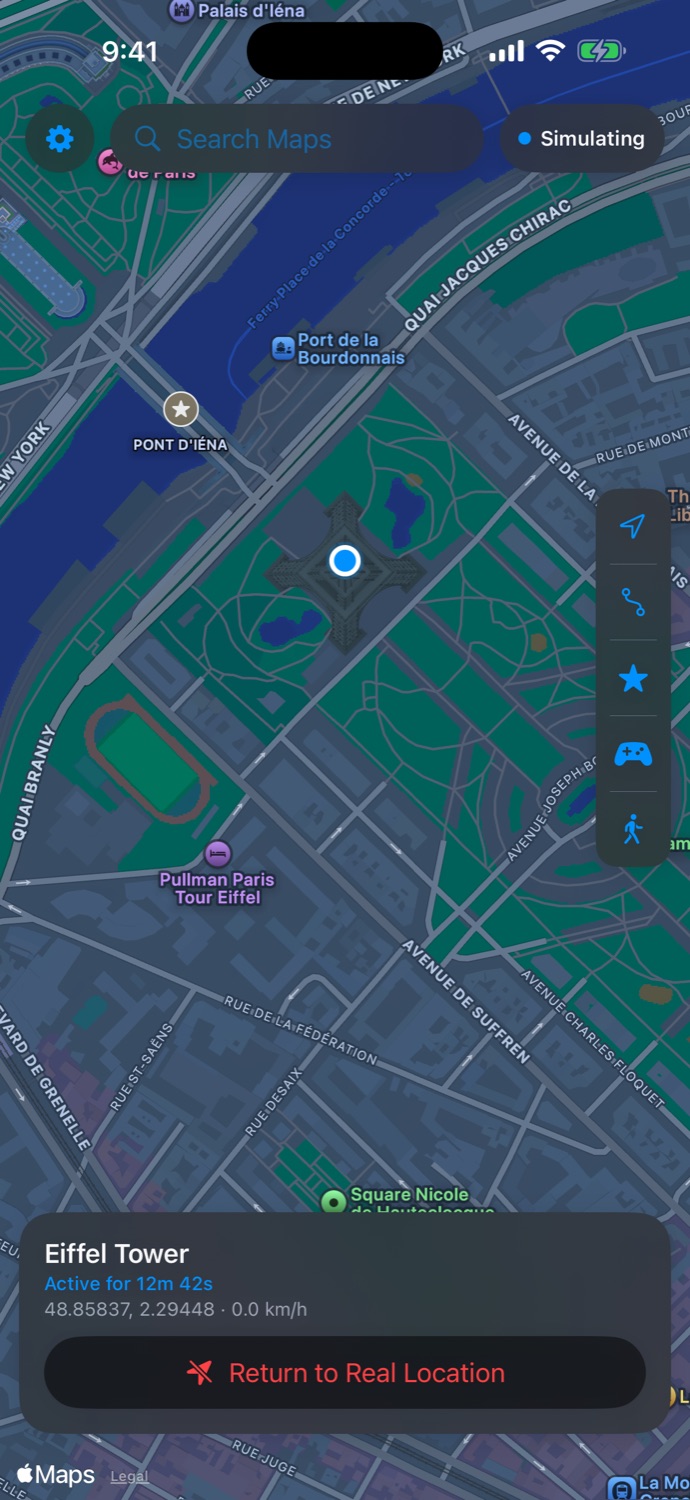
Open Geovo on the iPhone and pick a place. Simulation runs on the phone itself, so it keeps going on Wi-Fi or cellular with no computer nearby.
- 5
Renew every 7 days
Apps installed with a free Apple Account are signed for 7 days. When the week is up, plug in and click Renew. Your saved places stay exactly where they were.